PerPic
Live · Design & engineering
Why I made it
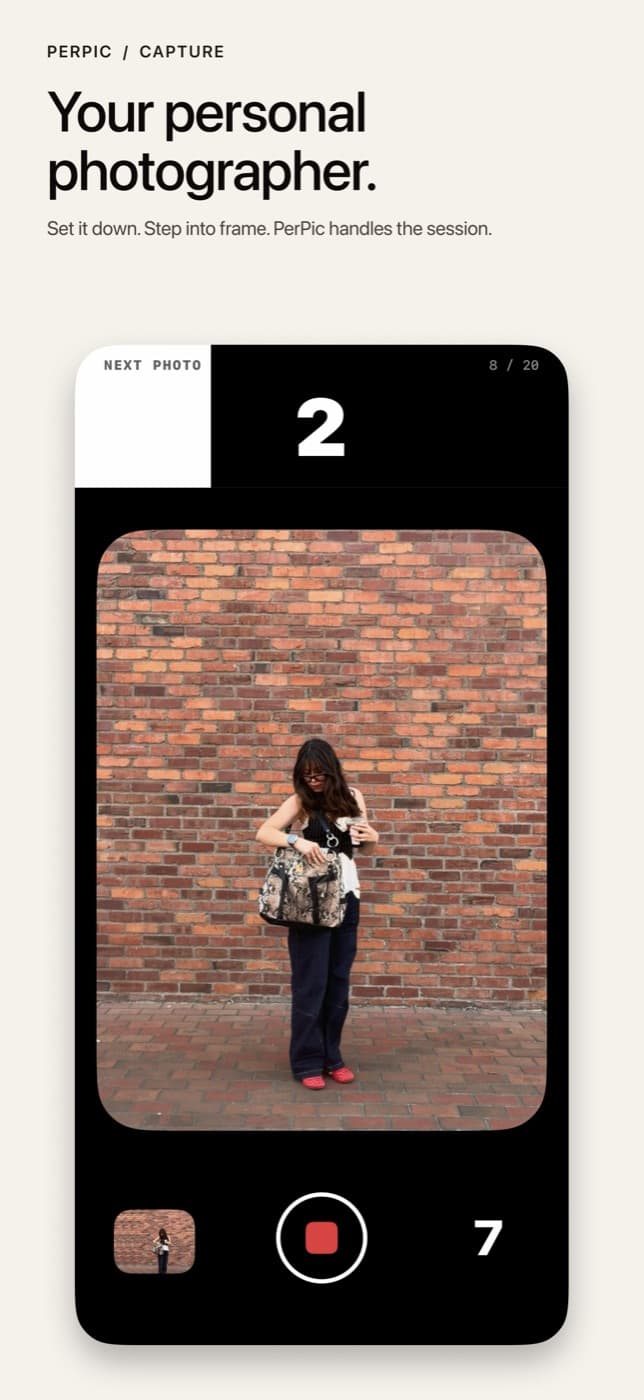
I kept wanting to be in the picture. Camera apps assume you’re holding the phone. PerPic is the other way around: set it down, step into frame, and let the session run.
Development
- Shipped
- September 2026
- Now
- Version 1.1 · September 2026
Growing it
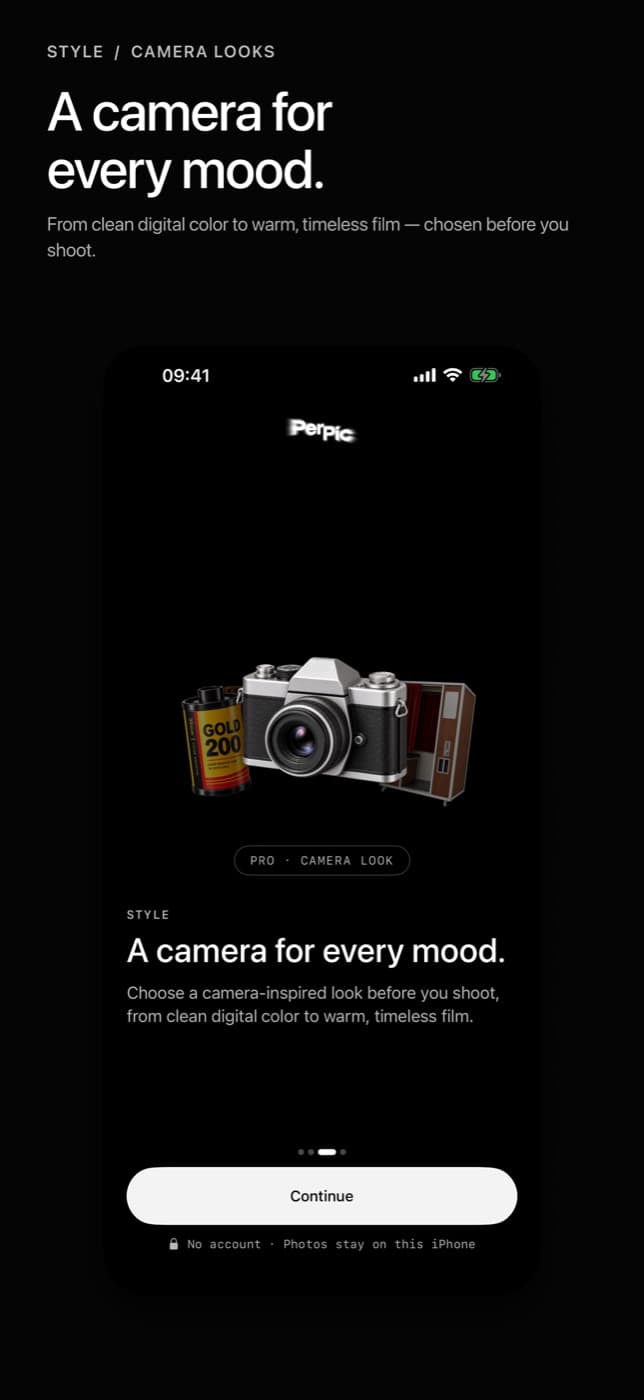
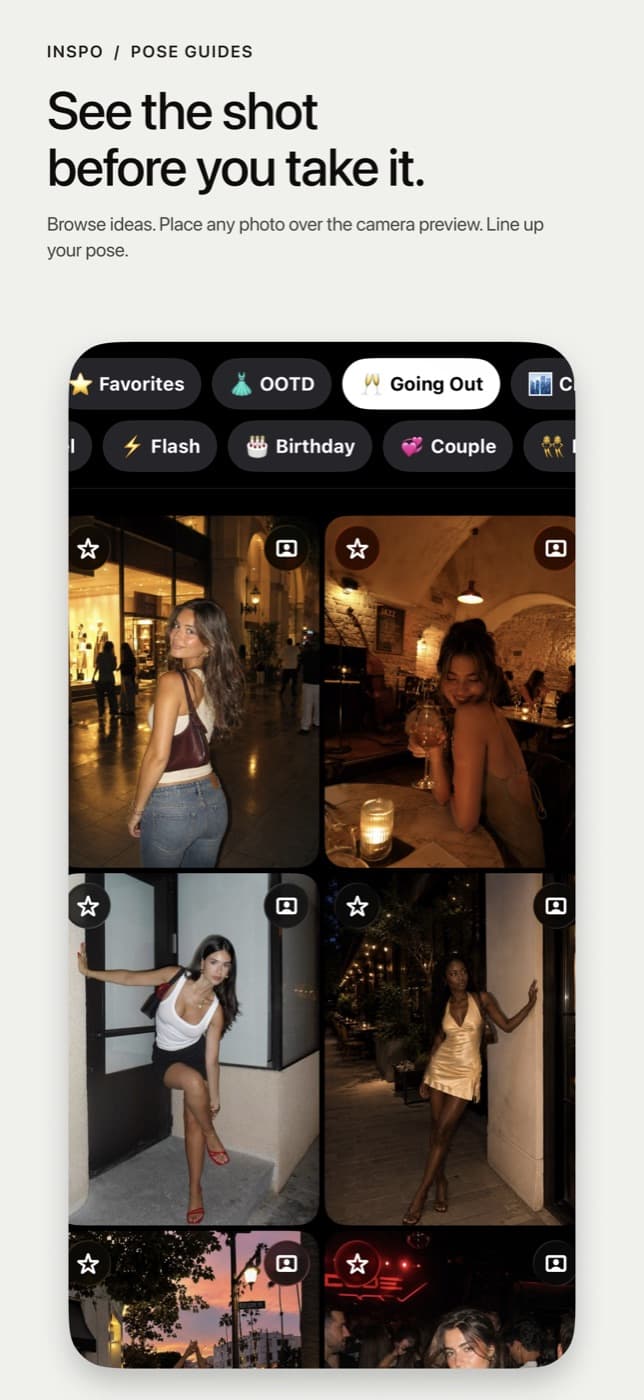
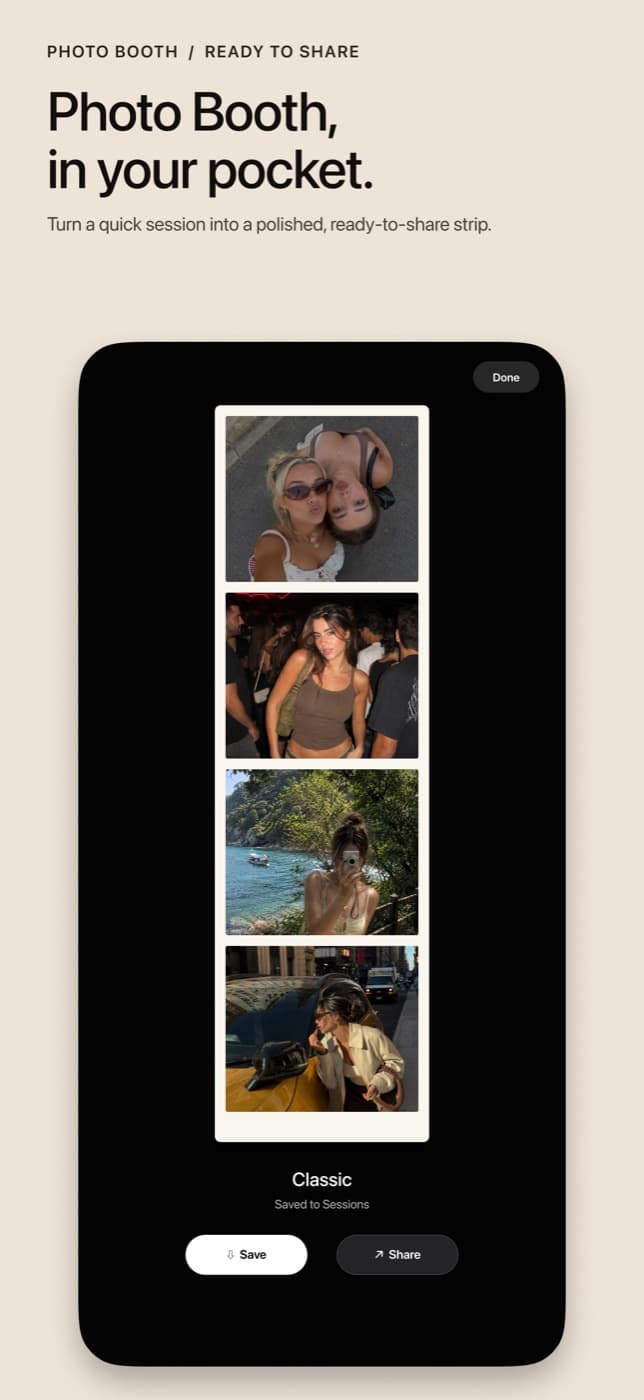
Live on the App Store as of September 2026. The first version is out: timed capture sessions, looks, on-device Picks, inspo, and Photo Booth. Next is getting it in front of people who actually want to be in the photo.
Stats
- App Store
- Live
- Price
- Free
- Version
- 1.1
- Platform
- iPhone
How it works
01
Set the session
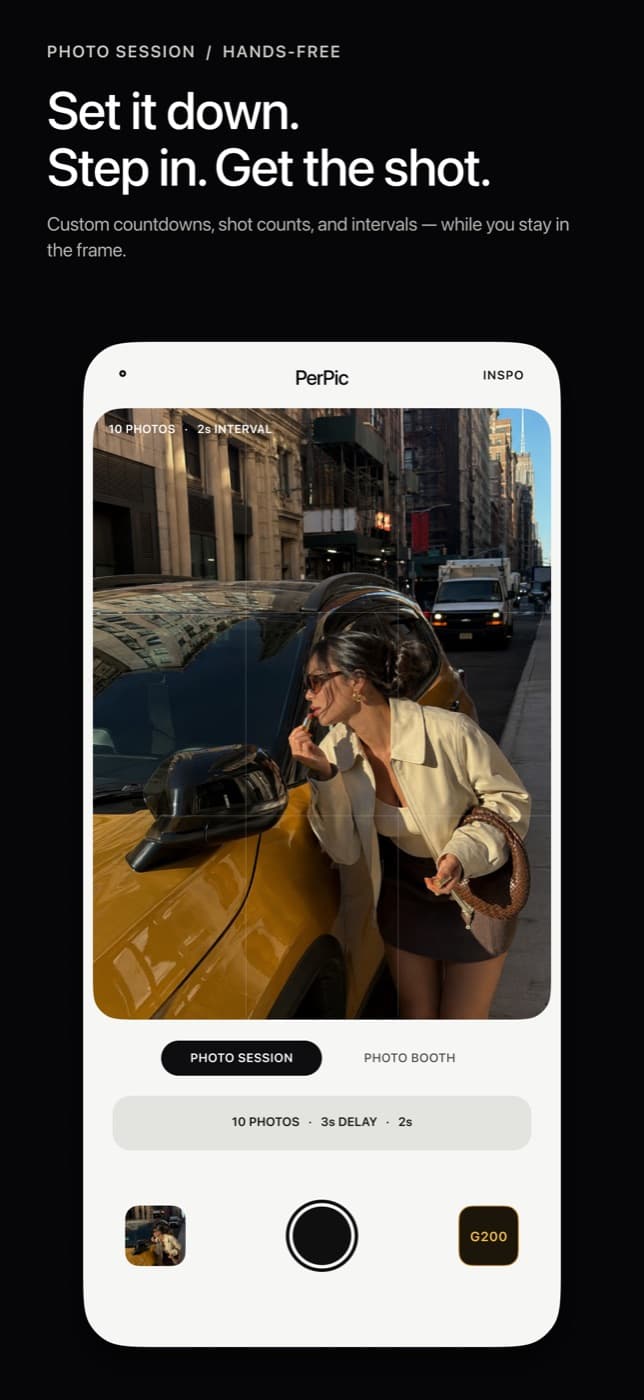
Pick a preset or make your own — delay, count, and time between shots. Put the phone down. PerPic handles the rest of the capture.
02
Shoot freely
A multi-photo self timer runs the sequence so you can move, turn, and actually be in the photos.
03
Keep the best
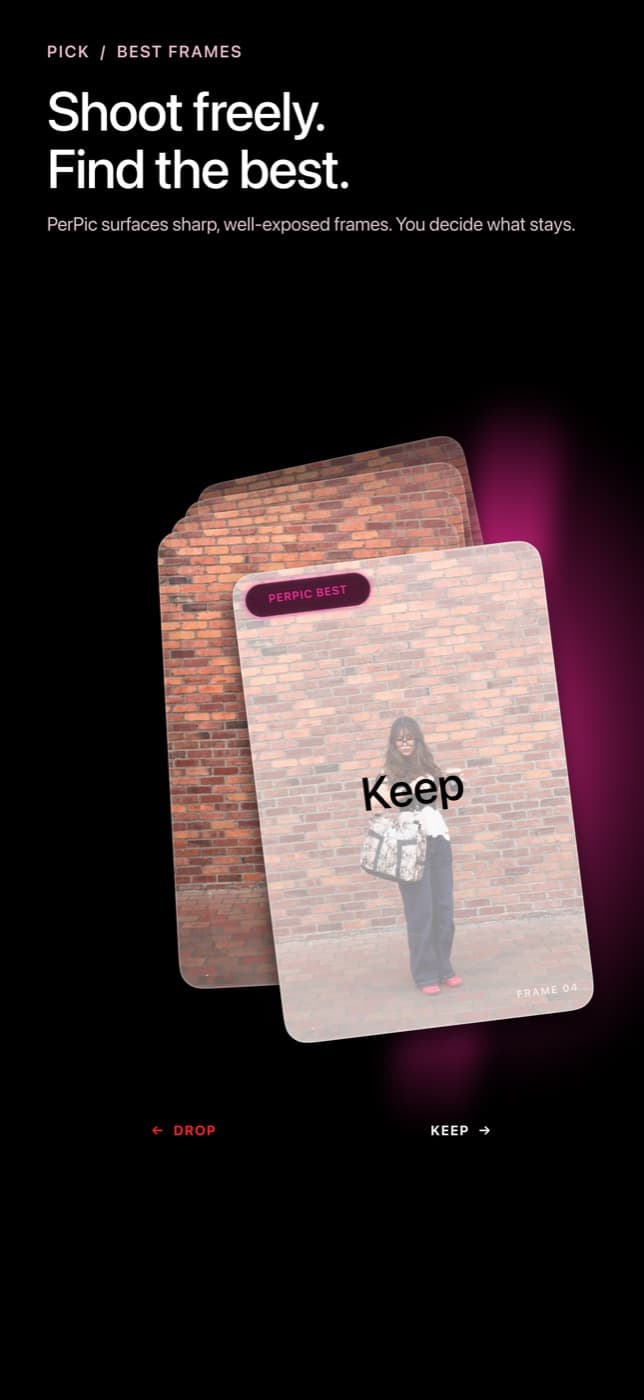
On-device Picks surfaces the strongest frames from the session. You decide what stays.
Pictures